| Situation | Tool | What it offers | Planning use |
|---|---|---|---|
| Surfaced with traits but no name | Solomon Islands Fish ID app | Search by colour, shape, family group, scientific name or English name | Start here when you remember how the fish looked but not what it was called. |
| A fish that looks different from the picture | Same app, photo sets | Up to 5 photos per fish, covering juveniles, males, females and colour variations | Check whether a mismatch is a life stage or sex rather than a new species. |
| Checking a name belongs in the Solomon Islands | FishBase country checklist | 777 reef-associated species currently present, with filters for endemic, threatened and dangerous fishes | Run each candidate name through the list before you log it. |
| Browsing instead of searching | FishBase checklist views | Extended checklist or Picture Table view, sortable by phylogeny | Scan a family visually when you only know the group. |
| Keeping a record | App logbook | Record fish, add notes and share the logbook | Keep the log next to your dive notes so the evidence stays together. |
Figures come from the Solomon Islands Fish ID app listing and the FishBase Solomon Islands reef checklist.
Solomon Islands marine life identification works best as a routine: note traits underwater, narrow the candidates with a guide or app after the dive, then check the name against a species checklist before logging it.
The method matters more than any single tool, because no guide settles every look-alike. For the wider picture of what lives on these reefs, see solomon islands marine life.
While you are still underwater
Identification starts in the water, because the features that separate species fade quickly from memory. Record what you can see rather than what you think the animal is called, and leave the naming for the surface.
Shape before colour
Body outline is the steadiest clue. Note whether the fish is deep and disc-like, long and slim or heavy-headed, where the fins sit, and how the tail ends. The Solomon Islands Fish ID app lets you search by shape and family group as well as colour, so a shape note translates directly into a search later.
- Outline: jot a rough sketch or a word such as “disc”, “torpedo” or “elongate” on your slate.
- Family guess: a family-level guess is enough and gives the app’s family filter something to work with.
- Where it was: record the site and rough depth so the sighting can be placed in your log afterwards.
Colour, with caution
Colour is the clue divers remember first and the least reliable on its own. The app’s listing notes that its photo sets show juveniles, males, females and colour variations, with up to 5 photos per fish, which is a reminder that one species can look quite different between individuals. Write down colour as a pattern (bands, spots, a dark tail edge) rather than a single shade.
Large groups and open-water fish
Fish that move in dense groups give little time to study individual markings. For these, record the overall shape, the way the group moves and where in the water column it sits, then match it later. The guide to schooling fish solomon islands diving covers what to expect from them.
Back on the boat: guides and apps
Once you are out of the water, a printed guide or an app turns your notes into a short list of candidates. Treat the result as a shortlist, not a verdict.
Printed field guides
The REEF book catalog groups identification titles by region and has an Indo-Pacific and Indian Ocean ID Guides category, which is the right place to compare titles for Solomon Islands diving. The catalog also lists fish guides and invertebrate guides separately in its regional categories, so a fish guide will not cover everything you see. Choose a guide that matches both your region and your animal group.
- Divers who mostly watch fish: a regional fish guide with several photos per species suits quick lookups.
- Divers drawn to small animals: add a separate invertebrate guide rather than expecting the fish guide to cover them.
- Divers who dislike carrying books: an app on a phone saves luggage, with the limits described next.
The Solomon Islands Fish ID app
The Solomon Islands Fish ID app is a country-specific tool. Its App Store listing states that it covers 871 fish species seen by scuba divers and snorkelers in the Solomon Islands, and that photos are from the Solomons unless noted. That local focus is its main advantage over a general Indo-Pacific guide, because the shortlist stays relevant to the places you dive.
The app identifies fish by colour, shape, family group, scientific name or English name, so it works whether you remember traits or have a name to confirm. It is a fish tool, so it will not help with nudibranchs or other invertebrates.

Do fish ID apps work for divers?
They work well for narrowing a shortlist and poorly as a final authority. A trait search returns candidates, and you still have to compare your notes with the photos. Use the app for the first pass, then confirm against a checklist, as described below.
- Good fit: divers who can name a trait or family and want fast candidates on the surface.
- Poor fit: divers expecting a single photo to be named automatically, or those who need invertebrate coverage.
- Wait before relying on it: when the fish is a juvenile or an unusual colour form and the first photo does not match, look at the other photos before discarding the candidate.
Telling look-alikes apart
Some groups contain many species that share a general look, and these are where a checklist and careful notes pay off most. The FishBase checklist is a useful reality check because it lists species by genus within each family.
Butterflyfish
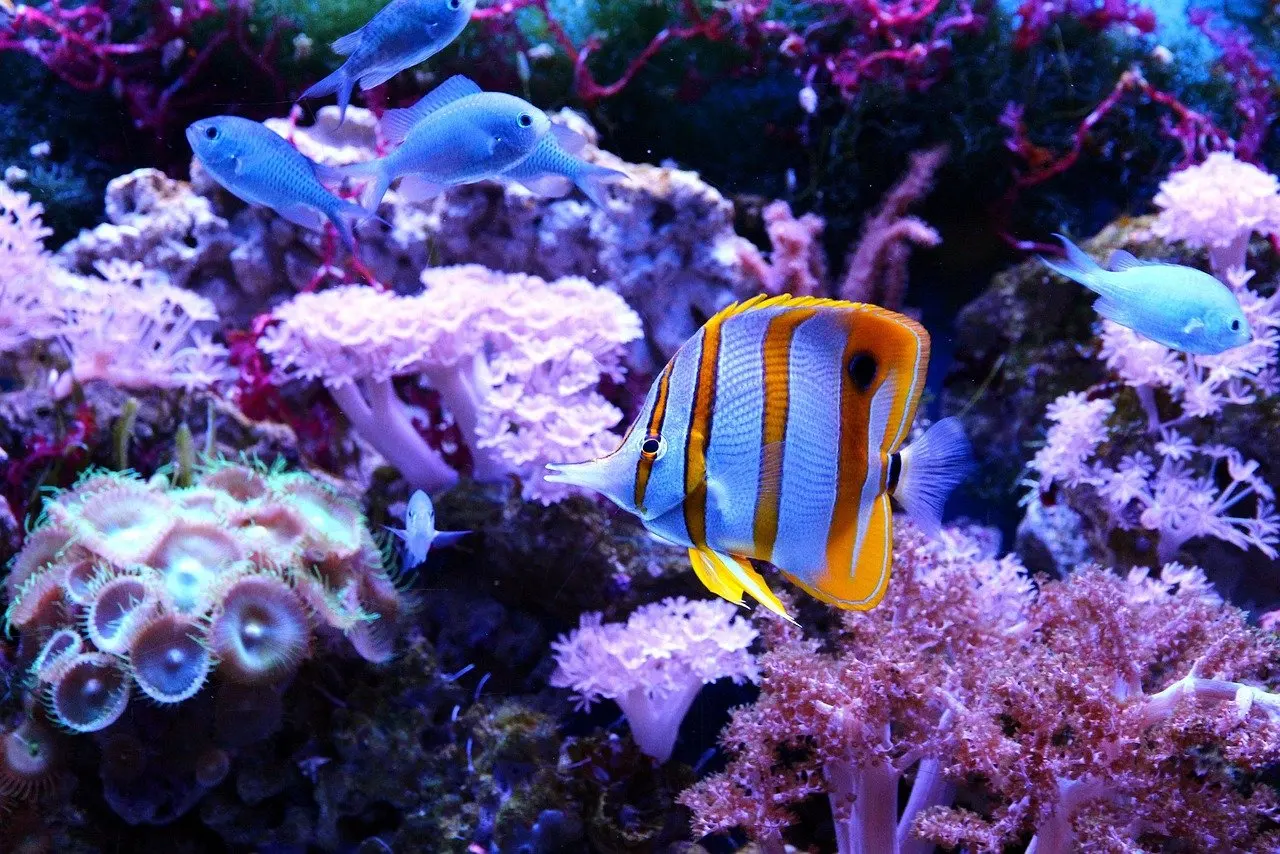
The FishBase Solomon Islands checklist includes several Chaetodon butterflyfish, among them Chaetodon bennetti, Chaetodon kleinii, Chaetodon ocellicaudus and Chaetodon octofasciatus. Because they share a genus, body shape, banding pattern and any spot near the tail become the deciding features. Record those three before you reach for a book.
Groupers
The same checklist lists multiple Cephalopholis groupers, including Cephalopholis argus, Cephalopholis aurantia, Cephalopholis boenak and Cephalopholis cyanostigma. When a grouper’s spot pattern or overall colour is hard to confirm, logging the genus is more honest than guessing a species. You can narrow it later if a photo shows the markings.
Nudibranchs and other invertebrates
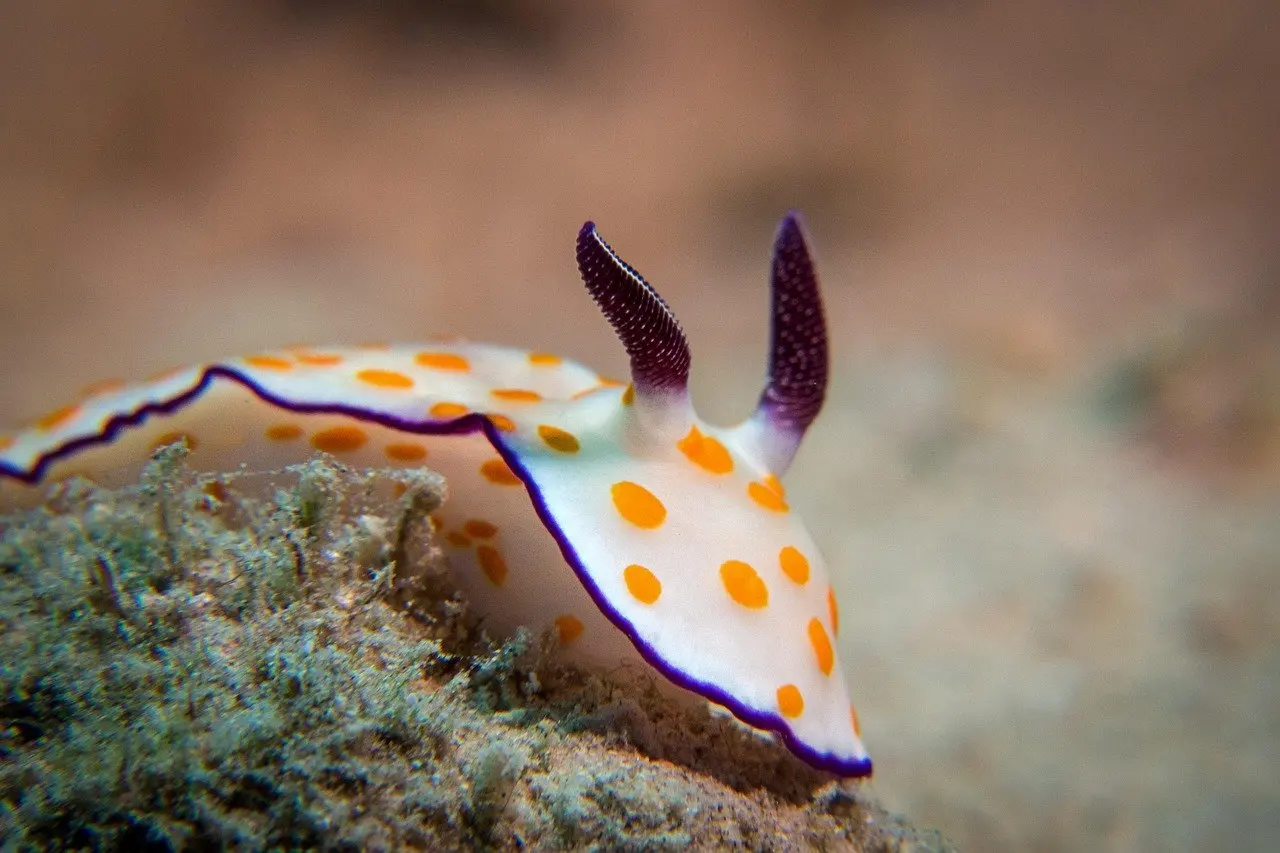
Invertebrates need their own reference, since fish apps and fish guides do not cover them. For nudibranchs, frame the head end and the body outline so features such as the rhinophores and the gills stay visible in the picture. Those features are what you compare against an invertebrate guide afterwards.
Confirming and logging what you saw
A name is only useful if it can be checked. Two steps do that: test the name against a species list for the country, then record the sighting with enough detail that someone else could follow your reasoning.
Checking names on FishBase
The FishBase country checklist reports 791 reef-associated species from the Solomon Islands altogether. It separates uncertain records, with 6 species possibly present and 8 demonstrated absent, so a candidate that falls in either group deserves caution before it enters your log.
The checklist is organised by order and family and can be sorted by phylogeny. It can also be filtered to endemic, threatened, dangerous or reef-associated fishes. Switch between the extended checklist and the Picture Table view when you want to scan a family by photo instead of reading names. A strong match to a species marked as present is a reasonable basis for a confident log entry.
Writing a useful dive log entry
The app’s logbook lets you record a fish, add notes and share the logbook, which suits divers who want sightings kept with their observations. A paper dive log works equally well if it holds the same detail.
- Traits seen: shape, banding or spot pattern, and anything unusual about the fins or tail.
- Confidence: note whether the name is confirmed, a likely match or only a genus or family.
- Evidence: keep any photo with the entry; the tips in underwater photography solomon islands help you capture the angle that shows the deciding feature.
Frequently asked questions
| Question | Answer |
|---|---|
| Which iOS version does the Solomon Islands Fish ID app need? | The App Store listing says it requires iOS 15.6 or later. Its privacy label states that the developer collects no data from the app. |
| Can I practise identification before a trip? | Yes. The app includes interactive flashcard-style quizzes intended to sharpen fish ID skills. |
| Who created the app? | The listing credits John Hoover, author of Hawaii marine life ID books. |
| What should I log when I am unsure of a species? | Log the family or genus together with the traits you noted. The FishBase checklist is organised by family, so a family-level entry can be refined later without losing the original observation. |